
Your chapter-based draft
Title, author, optional sections, ordered chapters, text, images and simple tables.
Windows book-production software · 6 × 9 closed beta
Write your book – we’ll handle the formatting
Build your chapters in a guided desktop app. Manuscript to Book handles margins, sections, chapter starts, running heads, page fields and contents mechanics—then gives you an ordinary DOCX you can continue to edit.
Closed beta currently supports 6 × 9 books on Windows. Access is not yet an open public download.
The product, not a mock-up
Work with the parts of a book you recognise. The app turns those choices into the Word mechanics you should not have to construct by hand.
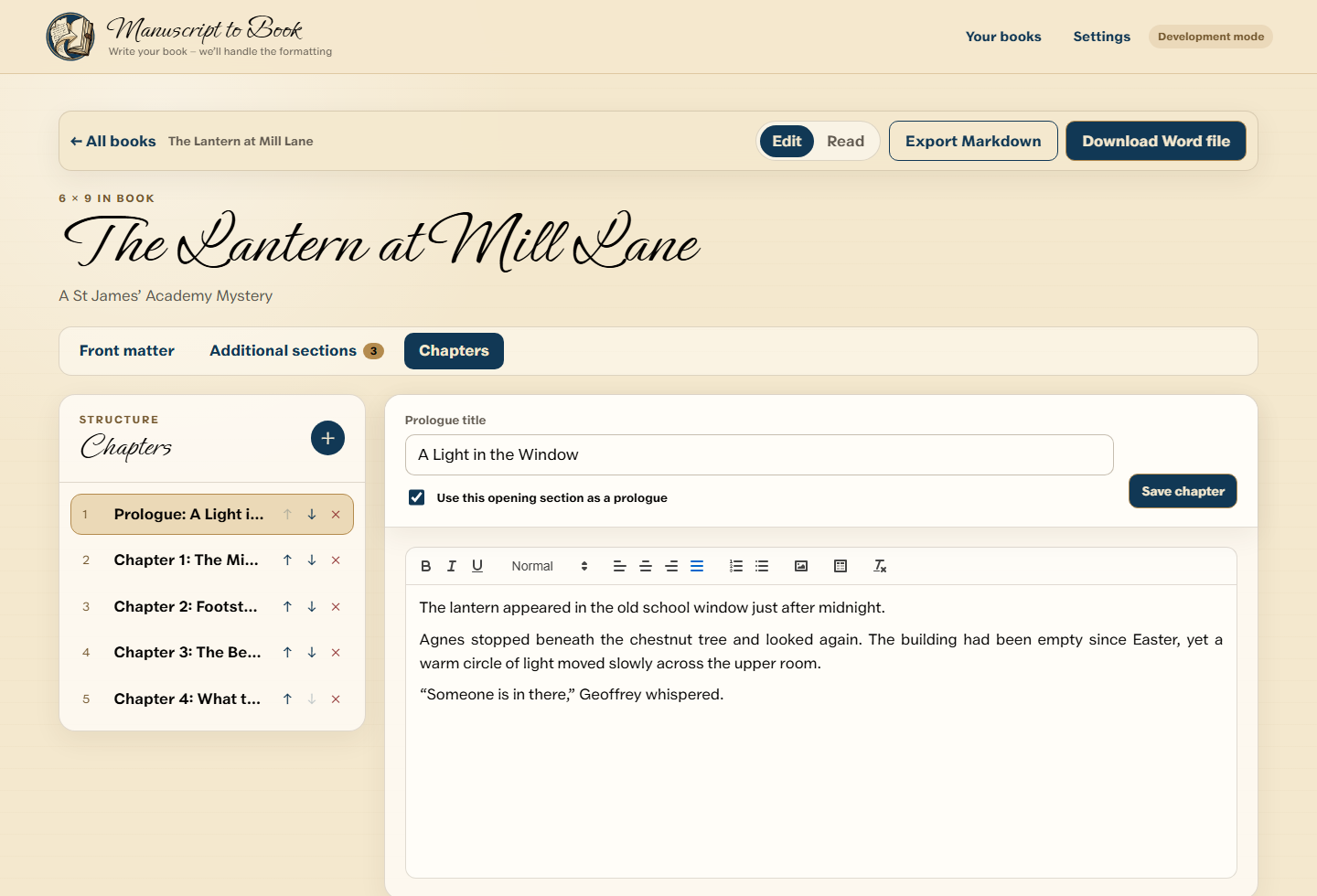
Manuscript to Book at a glance
The work behind the words
Word can make an excellent book, but it expects you to understand mirrored margins, section breaks, page-number restarts, running heads, contents fields and styles that behave across hundreds of pages.
Manuscript to Book replaces that manual construction with a guided sequence built around the parts authors recognise.
Before and after
Title, author, optional sections, ordered chapters, text, images and simple tables.
Selected trim size, structured sections, book styles, mirrored margins, chapter starts, running heads, page fields and contents mechanics.
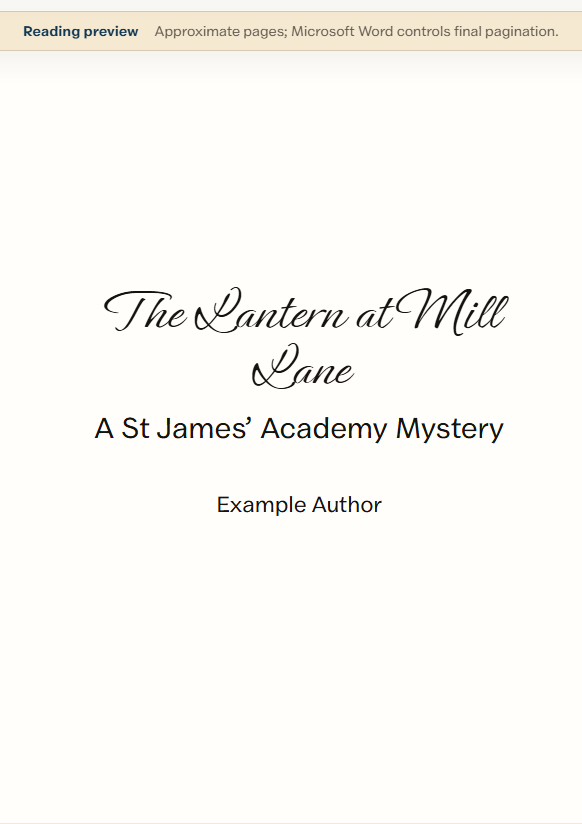
The reading view is approximate. Microsoft Word remains authoritative for final line breaks and pagination, and publishers’ current requirements must still be checked.
A guided book workflow
Create a book or import compatible structured Markdown.
Add the details, sections and chapters your book needs.
Choose the supported typography and book treatment.
Check structure and an approximate reading view.
Download a professionally constructed Word document.
See the real workflow
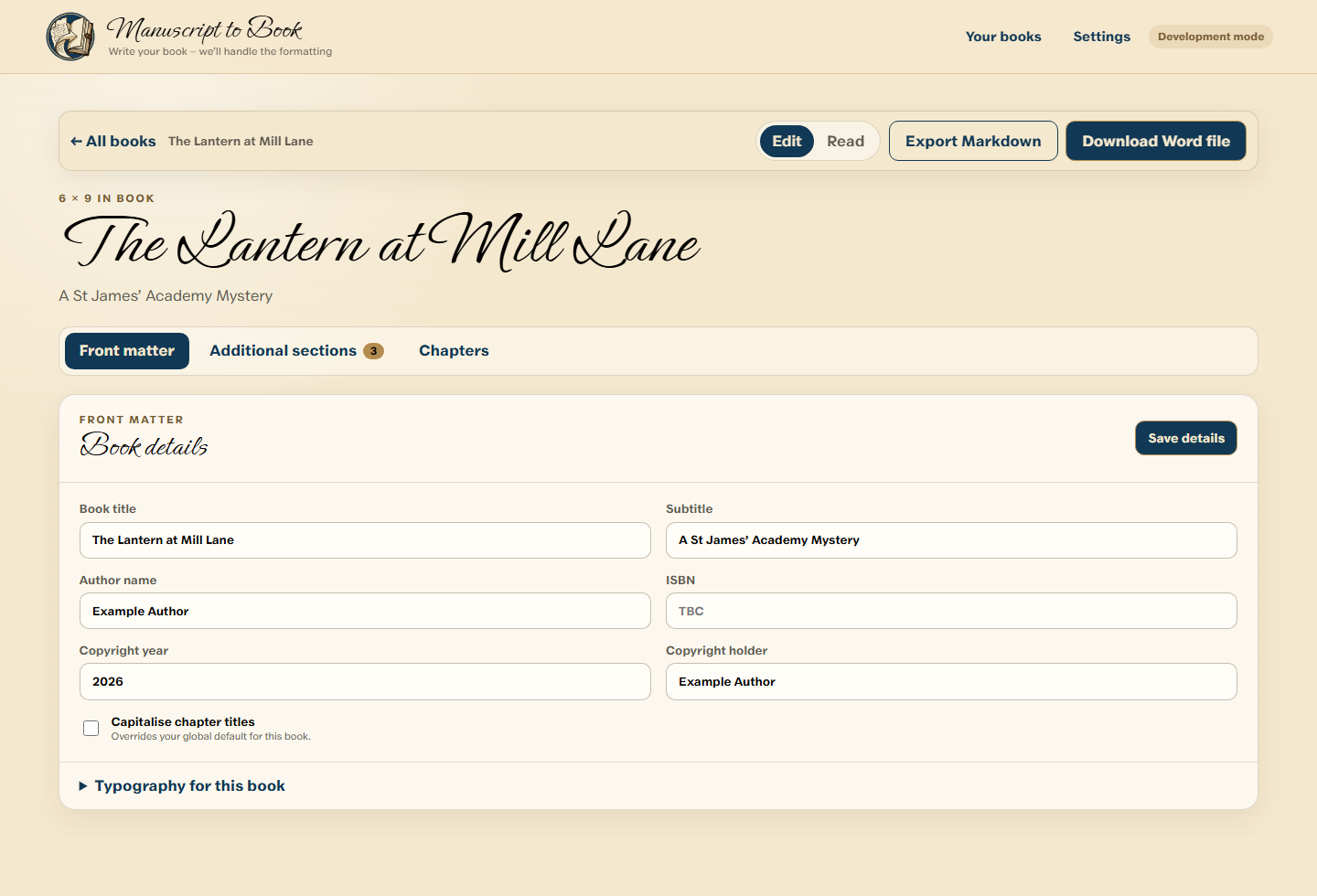
Create a local project, enter the book details or import compatible structured Markdown.
Create, rename, reorder and edit chapters without manually managing Word sections.
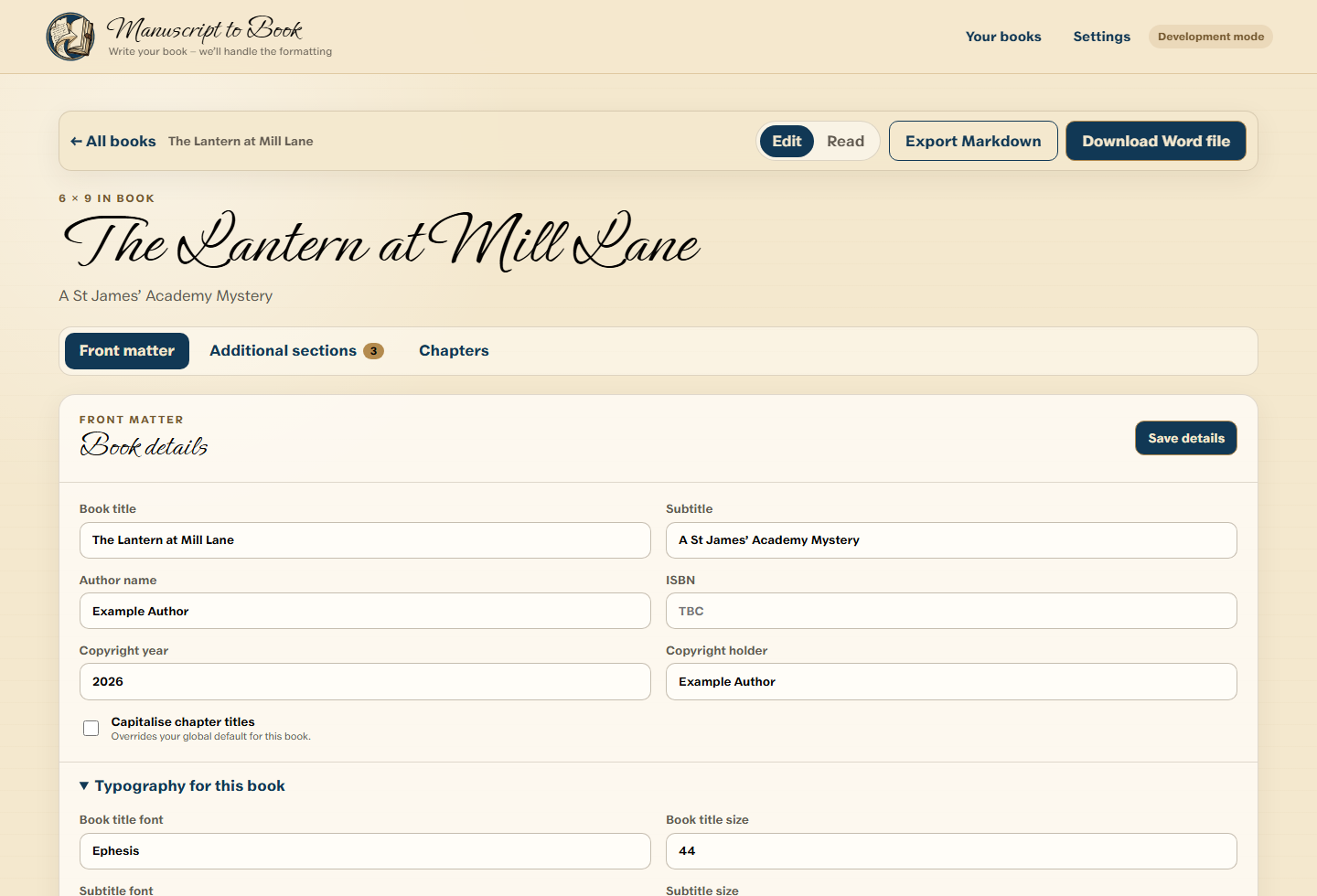
Set supported title, chapter and body typography once for the complete book.
Use the approximate reading view to check order and appearance before generating.
Ask the Windows app to construct the DOCX, then continue working with it in Word.
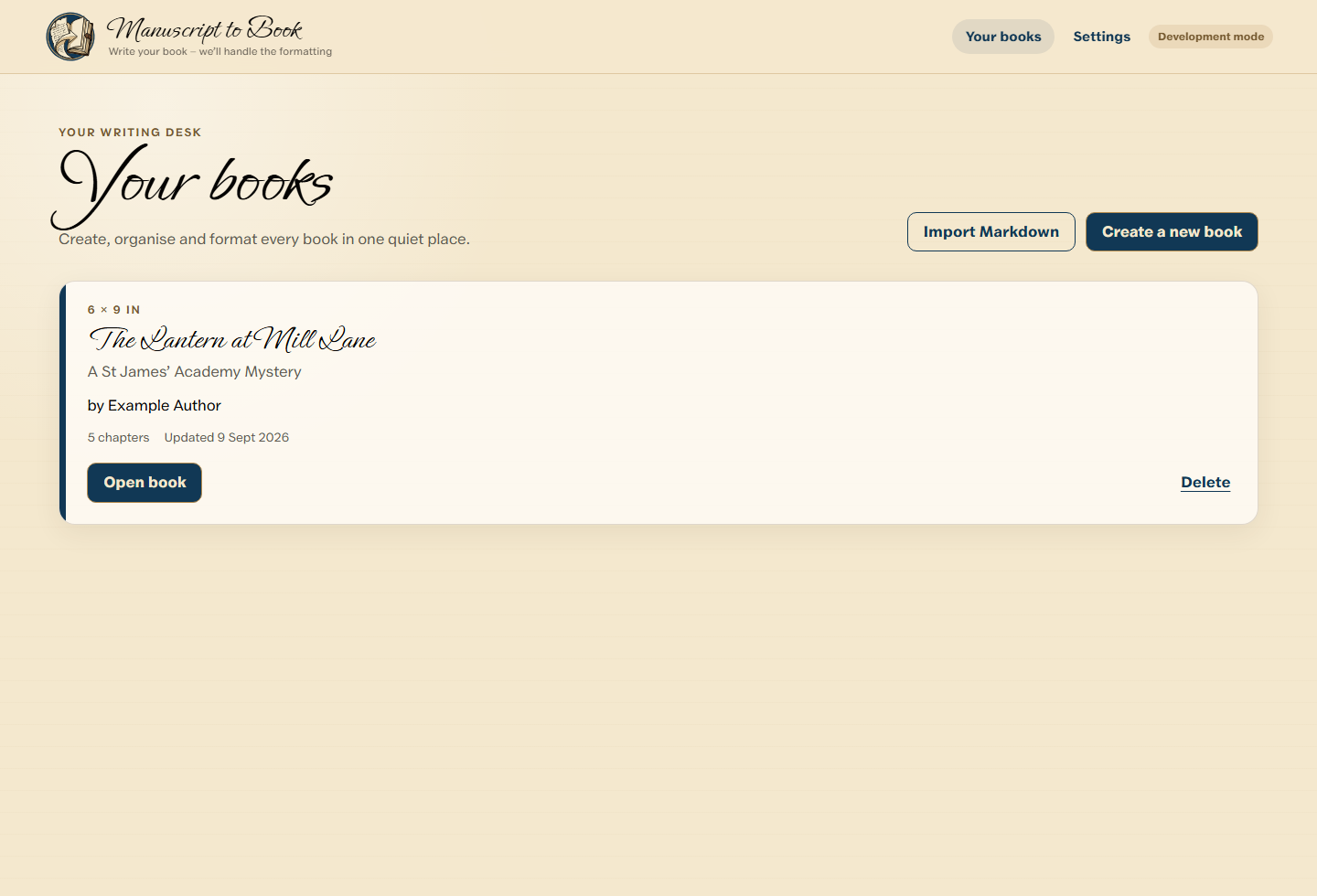
The Word document is the product
Your DOCX contains Word-native book construction wherever practical. Open it, update its fields, revise the text, adjust styles or save a PDF yourself.
Explore Word-native formattingPortable alongside Word
Export structured Markdown for a portable backup, editing in ordinary text tools or an external AI workflow you choose. Import compatible structured Markdown back into Manuscript to Book when you are ready.
Stage 1 Markdown contains references and metadata for images—not image binaries, base64 or data-URI content.
Understand the Markdown format →The output is an editable Word file. Structured Markdown gives you a readable, portable form of the project too.
See the Markdown workflow →Manuscript content stays on your device for authoring, review and DOCX generation. Account and entitlement services do not require the manuscript text.
Understand what stays local →No generative AI writes, rewrites, edits or trains on the manuscript in the core workflow. Use an external AI tool only if you choose.
AI optional. Never AI imposed. →Straightforward access
No credits and no fee every time you download the same permanently licensed book.
$0
Build and review your complete book, then generate a Word sample.
$29 per book
Permanently unlock full Word exports for one book project.
$39 per month
$390 per year
Generate full Word documents across multiple books while subscribed.
Questions worth answering clearly
It guides you through the parts of a chapter-based book and generates a professionally constructed, editable Microsoft Word DOCX with the selected book size, styles, sections, chapter starts, running heads, page fields and contents mechanics.
You do not need Word to build the project or generate the DOCX. Word or a compatible application is useful afterwards to inspect final pagination, update fields, make manual changes or save a PDF.
It permanently unlocks full Word-document generation for one specific book project, including later revisions of that same project.
Your projects and local manuscript content remain yours. Permanently licensed books stay licensed; other projects return to the free export restriction when the paid Pro period ends.
Closed beta
Manuscript to Book is being prepared for its first 6 × 9 Windows beta. Join the beta list to hear when access is available.
Join the beta