
Built for books, not blank pages
The book mechanics are handled for you
Manuscript to Book is deliberately more constrained than a general word processor. Those constraints let it make dependable book-wide decisions consistently.
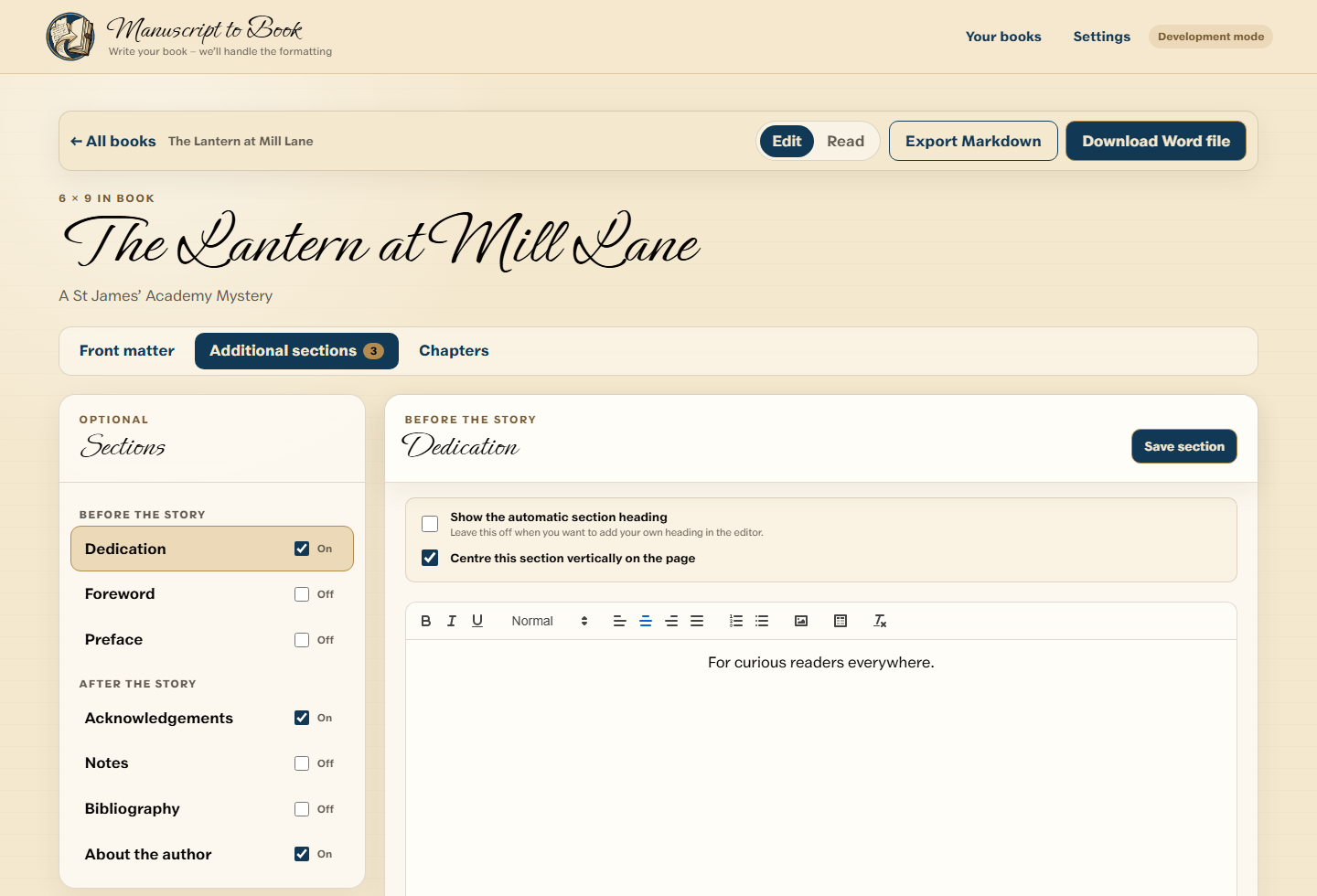
A guided book structure
Keep title and publishing information, front matter, chapters and additional sections in their proper roles.
- Chapter creation, renaming, deletion and reordering
- Optional dedication, foreword, preface, acknowledgements, notes, bibliography and author section
- A prologue option with correct following chapter numbers
Useful rich text without page-layout clutter
Write or paste paragraphs and keep the formatting that matters to the manuscript. Source-document margins, colours and other unsupported layout instructions do not become hidden baggage.
- Bold, italic, subheadings and lists
- Left, centred, right and justified paragraphs
- Inline images and simple tables
- Book-wide font and size choices
A Word-native result
The generated DOCX contains book styles, mirrored margins, section boundaries, chapter starts, running heads, page-number fields and contents mechanics. It remains an ordinary editable Word document.
Currently available in beta
The closed beta concentrates on 6 × 9 books so the full journey can be proved before other Stage 1 sizes are released. PDF, EPUB, cover creation, Mac support and cloud manuscript sync are not current features.